























Workplace Collaboration: How to Set Up Ideal Office Meeting Spaces
Strong workplace collaboration doesn’t happen by accident. The way an office is designed — especially its meeting spaces — has a major impact on communication, productivity, creativity, and overall team engagement.
Whether employees are brainstorming ideas, meeting with clients, or collaborating on projects, a thoughtfully designed meeting space keeps teams more connected.
Today’s offices are evolving beyond traditional boardrooms. Many businesses are creating more flexible collaborative office environments that support everything from formal presentations to quick team huddles and casual conversations over coffee.
Thoughtfully designed meeting spaces paired with comfortable, functional office furniture help teams communicate more openly, stay engaged for longer, and simply enjoy working together more throughout the day.
Setting Up a Productive Office Space for Meetings
A productive meeting space should feel comfortable, organized, and easy to use. The right office furniture for collaboration helps meetings run more smoothly while supporting better communication and engagement across teams.
Different types of meetings often require different setups, which is why many modern offices include both formal boardrooms as well as more casual collaborative spaces.
Boardroom Furniture
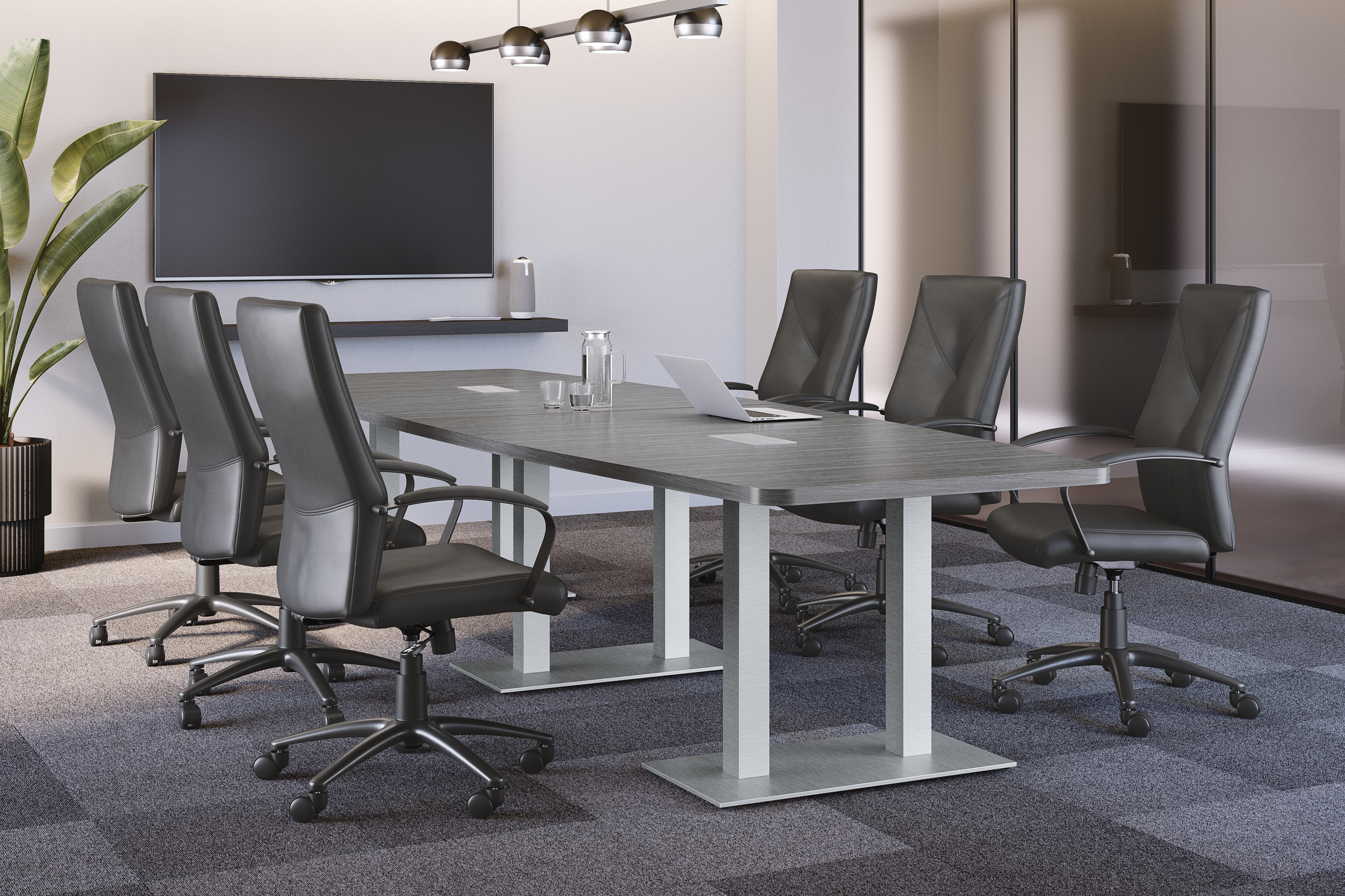
Traditional boardrooms still play an important role in workplace collaboration, particularly for presentations, planning sessions, client meetings, and decision-making discussions. A well-designed boardroom should feel professional while prioritizing comfort for longer meetings.
Conference Tables
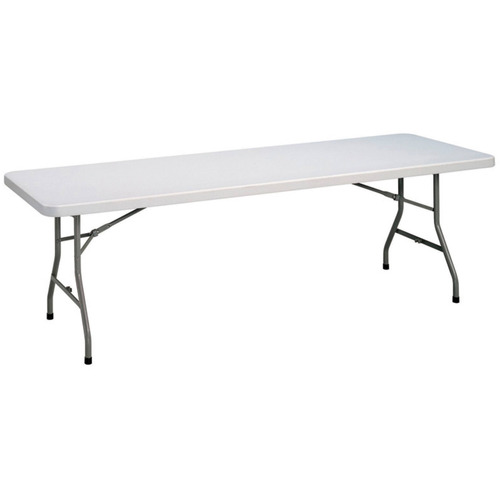
The conference table tends to be the focal point of any boardroom. Larger rectangular tables work well for formal meetings and presentations, while round or boat-shaped tables encourage more open discussion and eye contact.
Boardroom Chairs
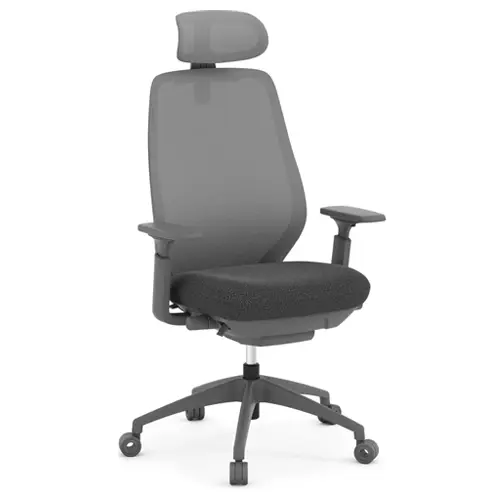
Comfortable ergonomic boardroom chairs with supportive cushioning, adjustable features, and mobility help employees stay focused and engaged throughout longer sessions.
Credenzas and Storage Units
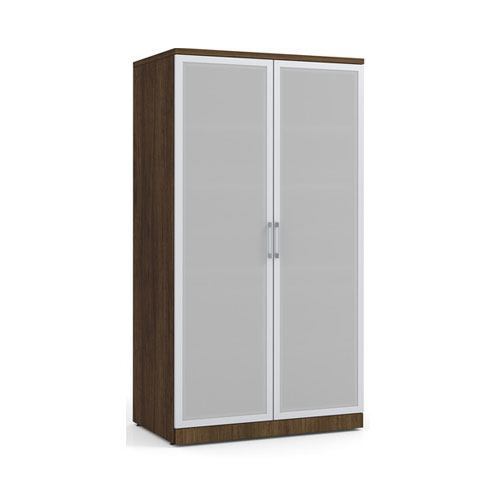
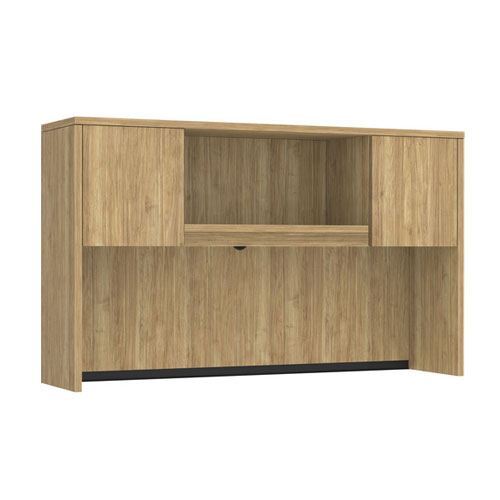
Storage furniture helps keep meeting spaces organized and clutter-free by storing presentation materials, documents, office supplies, and technology equipment.
Presentation Tools
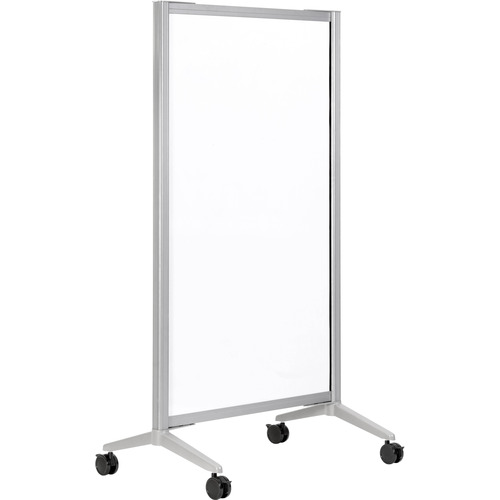
Whiteboards, flip charts, digital displays, and interactive screens help teams brainstorm, review information, and share visuals more effectively.
Power Modules and Cable Management
Integrated power modules, cable management systems, and easy outlet access support laptops, tablets, and other devices without creating clutter.
Side Tables
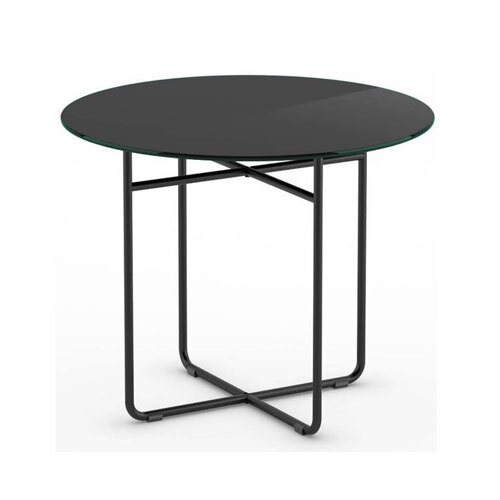
Small side tables provide extra room for coffee, notebooks, presentation materials, or refreshments without overcrowding the main conference table.
Casual Space Furniture
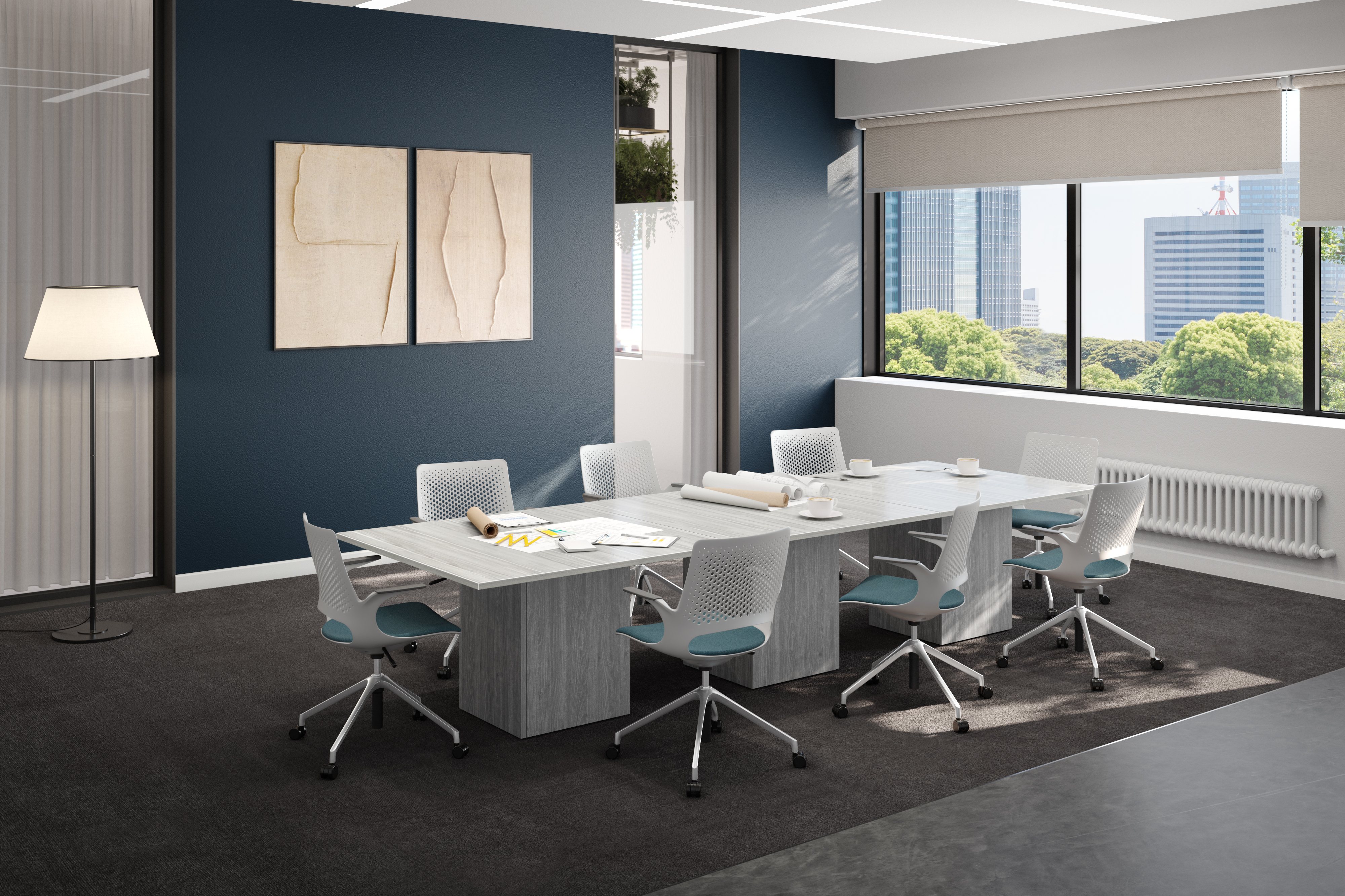
Not every conversation needs to happen around a formal boardroom table. Casual meeting spaces offer employees a more relaxed and comfortable environment for brainstorming sessions, quick check-ins, creative collaboration, and easy-going team communication.
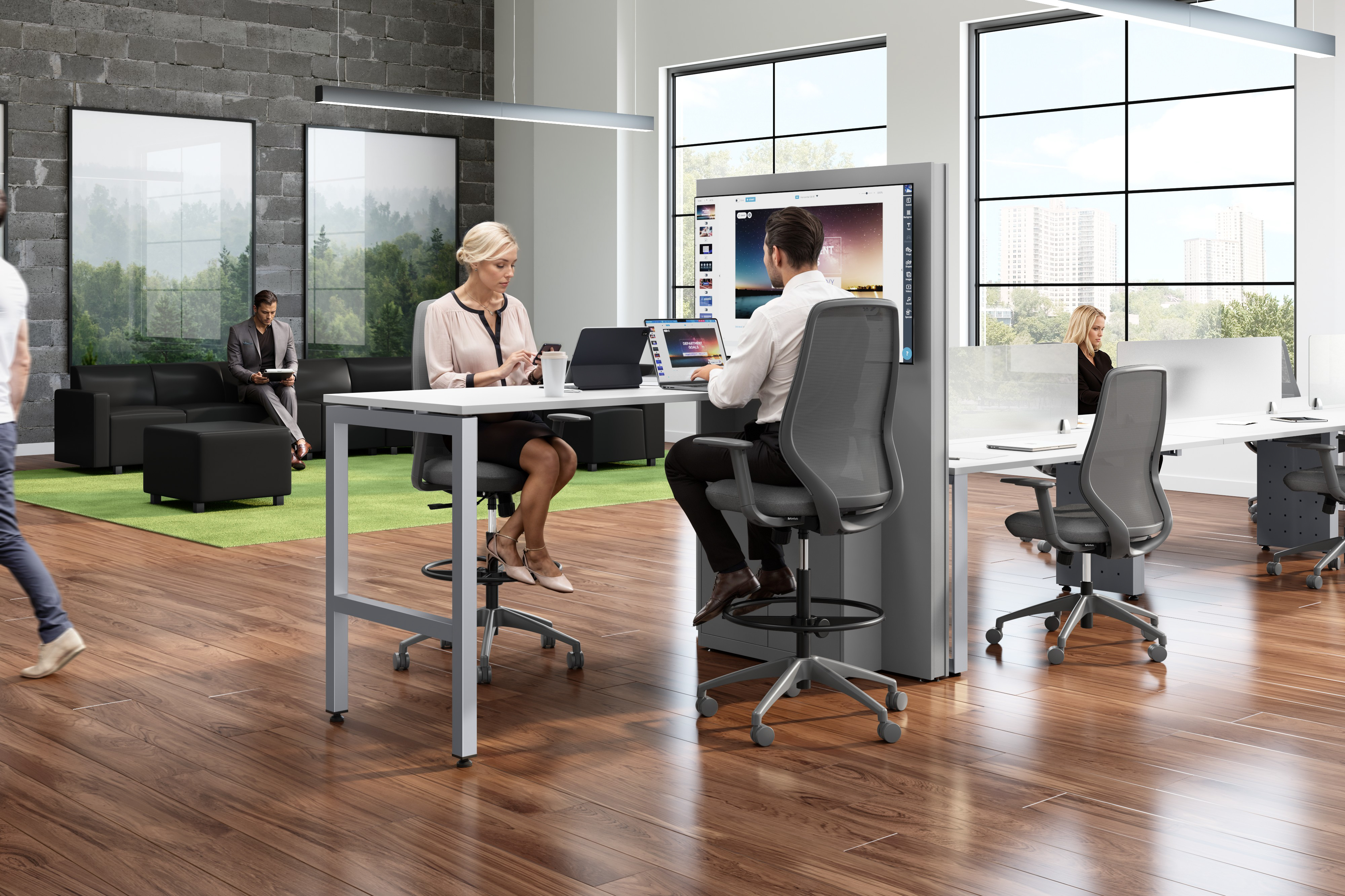
Modular Seating and Lounge Chairs
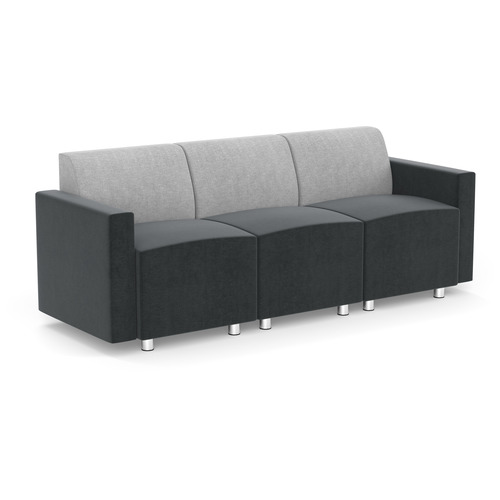
Flexible seating arrangements such as modular seating and lounge chairs allow teams to get extra comfortable during informal discussions, helping create a welcoming atmosphere that encourages open communication.
Casual Meeting Tables
Smaller meeting tables are perfect for quick team huddles, one-on-one conversations, or breakout sessions. These tables create more intimate collaborative spaces that feel less formal and easier to gather around.
Collaboration Stools
Lightweight collaboration stools are easy to move and reposition, making them especially useful in flexible office layouts where teams shift between individual work and group discussions.
Standing Desks and High-Top Tables
Standing desks and high-top tables encourage movement and help create more energetic meeting environments. Many teams find standing meetings more efficient and focused for shorter discussions.
Whiteboards and Pinboards
Visual collaboration tools help teams organize thoughts, map out ideas, and keep projects visible during brainstorming sessions, planning meetings, and creative workshops.
Soft Furnishings and Ottomans
Ottomans, cushions, rugs, and acoustic panels make casual meeting spaces feel warmer and more inviting while helping absorb sound for calmer conversations.
How to Design Good Meeting Spaces
The design of a meeting space has a direct impact on how comfortable, focused, and engaged employees feel during conversations. The best meeting room setup ideas balance comfort, technology, flexibility, and functionality.
Choose the Right Meeting Room Layout
Larger boardroom layouts work well for presentations and formal discussions, while smaller round-table setups encourage open conversation. Casual lounge-style seating arrangements help create a more relaxed environment for brainstorming and creative meetings.
For hybrid teams, meeting rooms should be designed so both in-person and remote employees can easily participate in discussions together.
Prioritize Comfort and Visibility
Ergonomic seating, proper lighting, and enough personal space help employees stay focused and engaged. Everyone in the room should also be able to comfortably see presentation screens, whiteboards, or other visual collaboration tools.
Reduce Noise and Distractions
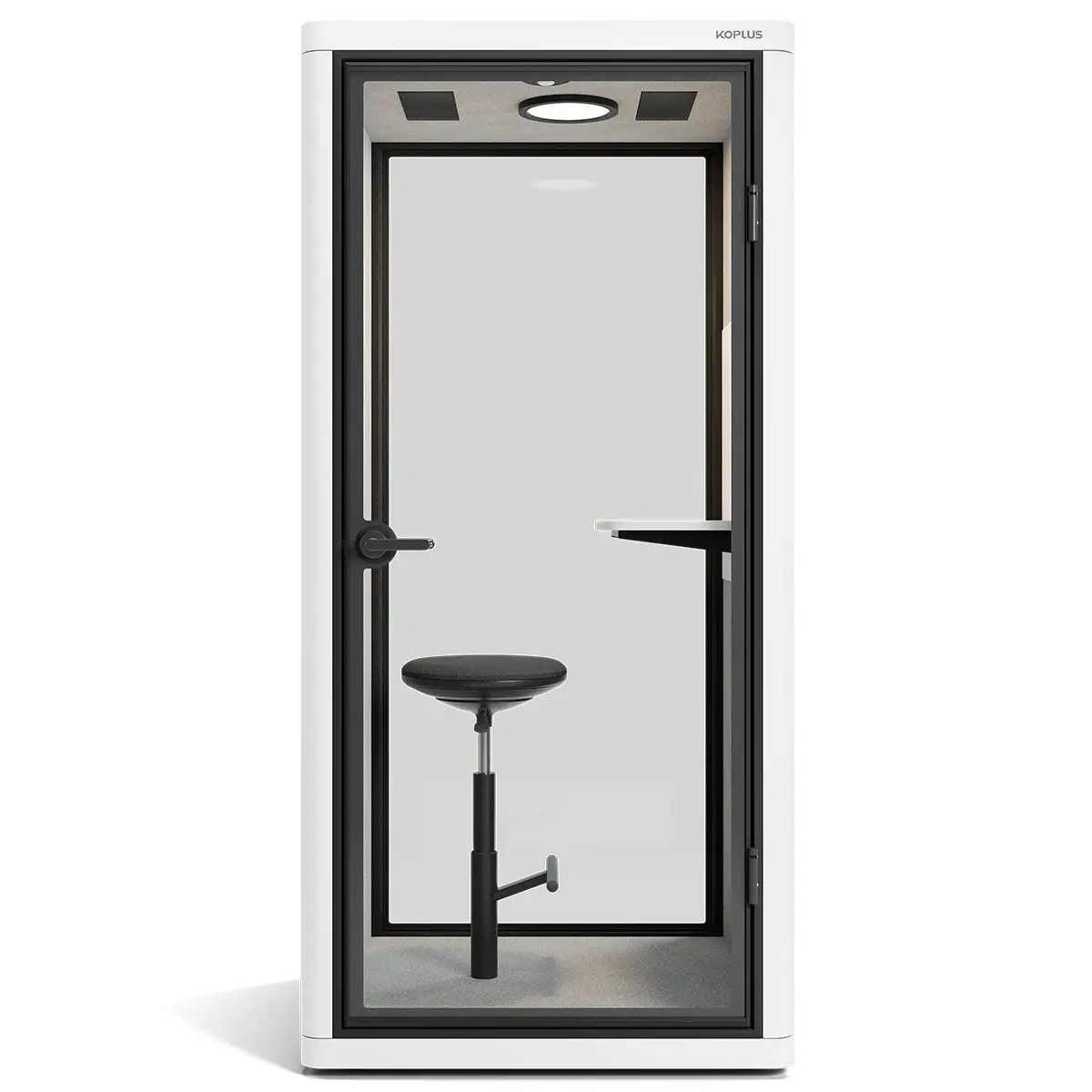
Acoustic panels, rugs, soft furnishings, and thoughtful room placement help reduce background noise and create a calmer environment. Keeping meeting rooms organized and clutter-free also helps conversations feel more productive.
How to Lead Effective Meetings
Once you’ve created a comfortable and functional meeting space, the next step is making sure the meetings themselves are productive.
1. Set an Agenda
Every attendee should understand the purpose of the meeting, the topics being discussed, and what decisions need to be made before the meeting begins. A clear agenda keeps conversations focused and organized.
2. Invite the Right People
Inviting only the people directly involved helps meetings feel more efficient while reducing unnecessary interruptions to the workday. Smaller meetings can also encourage better participation.
3. Assess the Meeting Cadence
Too many meetings can interrupt productivity, while too little communication can leave teams disconnected. Regularly assess whether meetings are necessary and whether their frequency still makes sense.
4. Prioritize Outcomes
Every meeting should end with clear next steps. Teams should understand what decisions were made, what follow-ups are needed, and who is responsible for each task.
5. Use the Right Online Communication Tools
Hybrid and remote workplaces often rely on tools like Microsoft Teams, Slack, Zoom, and project management platforms to streamline updates, reduce unnecessary meetings, and improve workplace collaboration across departments.
Create Meeting Workspaces That Support Your Team
The best collaborative office spaces are thoughtfully designed to support the way people work and communicate. Whether your team needs formal boardrooms for presentations, flexible breakout spaces for brainstorming, or casual lounges for quick conversations, intentional office design helps workplace collaboration feel smoother and more productive every day.
At Source Office Furniture, you'll find office furniture for collaboration designed to support every type of workspace and meeting style. From conference tables and ergonomic seating to modular furniture and collaborative office solutions, Source offers products that help teams communicate, connect, and work more comfortably together.
Ready to improve workplace collaboration in your office? Browse Source Office Furniture's wide selection of meeting room furniture and collaborative office solutions online, or connect with your nearest location to start designing a workspace that works better for your team.