























How to Set Up a Home Office

How to Set Up a Home Office: A Step-by-Step Guide
Working from home has become a permanent reality for many professionals across Canada. Whether you’re working fully remote, hybrid, or running a side business from your home, having a well-planned home office setup can make a noticeable difference in your comfort, focus, and productivity.
The right home office furniture, paired with thoughtful layout and smart technology choices, helps reduce distractions, supports better posture, and creates a space you actually enjoy working in. This step-by-step guide walks you through everything you need to know. From choosing the right room to selecting furniture and technology to finishing touches, we cover it all, so you can build a home office that works as hard as you do.
A Step-by-Step Guide to Home Office Set Up
Setting up a home office doesn’t need to be overwhelming. By breaking the process into clear steps, you can make strategic decisions that support both your workflow and your well-being.
Step 1: Choose the Right Home Office Space
The foundation of any successful home office setup is the space itself. While not everyone has a dedicated room, the goal is to create a work zone that allows you to focus and stay organized. Before committing to a space, ask yourself these key questions:
- Is there enough natural light? Natural light can boost mood and reduce eye strain.
- Do I have access to power outlets? Multiple outlets make it easier to support your desk, monitors, and accessories.
- How strong is the Wi-Fi signal? A weak connection can disrupt meetings and productivity.
- Is the space quiet enough? Consider background noise from family members, pets, or street traffic.
- Is there enough room for proper furniture? Your desk and chair should fit comfortably without crowding the space.
- Can I separate work from personal life? Physical separation helps maintain work-life balance, even in small homes.

A spare bedroom, finished basement, or even a well-planned corner of your living area can work, as long as it supports focus and consistency.
Step 2: Select Office Furniture
Once you’ve chosen your space, it’s time to invest in high-quality home office furniture. Furniture plays a major role in comfort, posture, and your long-term health, especially if you’re working full-time from home.

Choose Your Desk: The Foundation of Your Office
Your home office desk is the anchor of your workspace. It should be sized appropriately for your room and large enough to support your daily tasks. Popular desk options include:
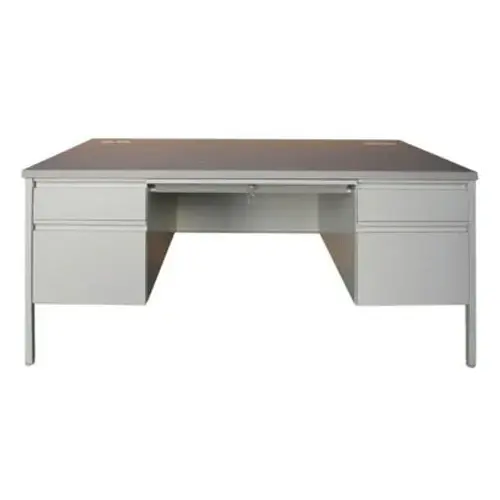
- Rectangular desks for focused computer work
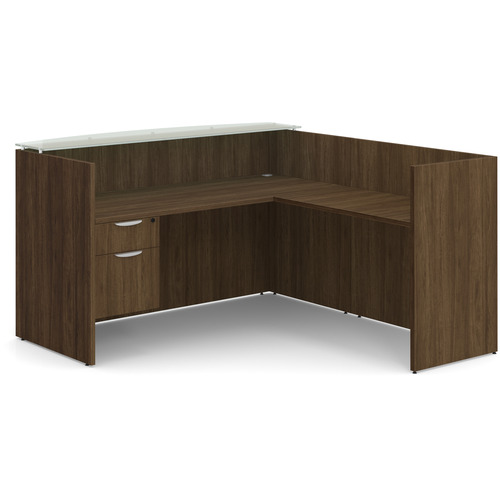
- L-shaped or corner desks for multitasking or dual-monitor setups
- Standing desks for flexibility and movement throughout the day and allow you to alternate between sitting and standing
When choosing a desk, consider surface area, cable management, durability, and whether you’ll need additional storage. A well-sized desk helps keep your workspace tidy and efficient.
Pick an Office Chair: Comfort Meets Ergonomics
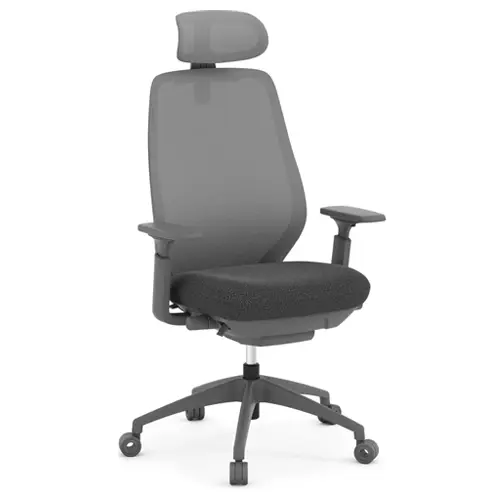
An ergonomic office chair is one of the most important investments in your home office. Sitting for long periods can lead to discomfort or strain without proper support. An ergonomic office chair should offer:
- Adjustable seat height
- Lumbar support for your lower back
- Armrests that reduce shoulder strain
- Breathable materials for all-day comfort
If you’re searching for a home office chair, prioritize ergonomics over aesthetics. The right chair supports healthy posture and helps prevent fatigue, even during long workdays.


Add Storage: Stay Organized and Clutter-Free
Storage is often overlooked, but it’s essential for maintaining a functional home office. The right storage solutions help keep paperwork, supplies, and personal items organized. Common storage options include:
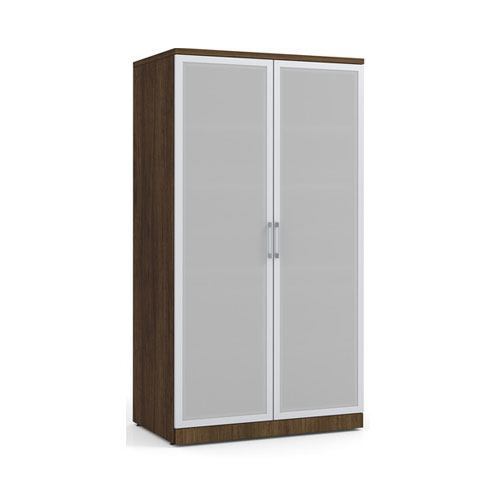
- File cabinets for documents
- Bookcases for reference materials
- Mobile pedestals for easy access under your desk
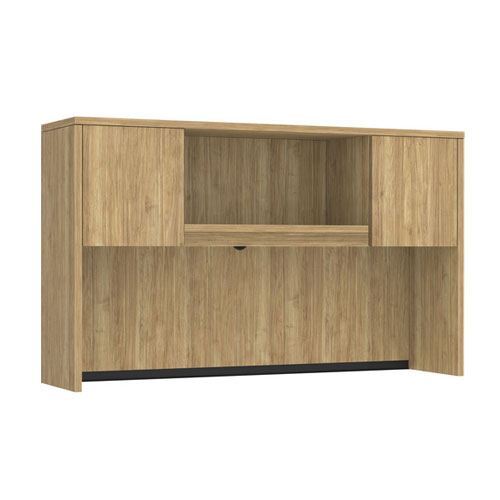
- Hutches to maximize vertical space
Choosing storage that fits your workflow keeps clutter to a minimum and helps your home office feel calm and professional.
Step 3: Consider Your Tech, Equipment, and Supply Needs
With your furniture in place, focus on the technology and tools that support your daily work. This step ensures your home office setup is practical and future-ready

Computer setup
Make sure your laptop or desktop is positioned at eye level to reduce neck strain. Laptop users often benefit from a stand paired with an external keyboard and mouse.
Monitors
Adding one or two monitors can significantly boost productivity. Position monitors at eye level and about an arm’s length away to reduce eye fatigue. A monitor arm can get your monitor right where it needs to be.
Wi-Fi and router
Reliable internet is non-negotiable. If your signal is weak, consider a Wi-Fi extender or mesh system to ensure stable connectivity during video calls and file transfers.
Office supplies
Stock your workspace with essentials like notebooks, pens, chargers, and organizers. Keeping supplies within reach reduces interruptions and keeps you focused.
Step 4: Add Personal & Finishing Touches to Your Home Office
Once the functional elements are in place, it’s time to personalize your space. Finishing touches help your home office feel inviting and inspiring rather than purely utilitarian.
Paint and colour
Neutral tones create a calming environment, while accent colours can energize your space. Choose colours that reflect your work style and personality.
Lighting and lamps
Layered lighting is key. Combine natural light with overhead lighting and a task lamp to reduce eye strain and create a balanced atmosphere.
Plants and greenery
Plants add life to your home office and can improve air quality. Even small desk plants can make the space feel more welcoming.
Decor and trinkets
Artwork, framed photos, or meaningful objects add personality without creating clutter. Keep décor minimal so it doesn’t distract from your work.

Tips to Make the Most of Your Home Office Setup
A great setup is only part of the equation. How you use your space each day matters just as much.
Create a morning routine
Starting your day with a consistent routine (such as getting dressed and sitting down at the same time) helps signal that it’s time to work.
Schedule breaks away from your desk
Short breaks improve focus and reduce fatigue. Step away from your home office to stretch, move, or grab a coffee.
Limit distractions
Set boundaries with family members, silence non-essential notifications, and keep personal items out of reach during work hours.
Shut down when the day is done
At the end of the workday, close your laptop and leave your workspace if possible. This habit helps protect work-life balance and prevents burnout.
Setting Up Your Home Office with Source Furniture
A well-designed home office setup supports productivity, comfort, and long-term health. From selecting the right home office desk and home office chair to planning storage and layout, every decision plays a role in how you work each day.
Source Office Furniture makes it easy to create a home office that fits your space, style, and budget. With a wide selection of quality office furniture and expert guidance, you can build a workspace designed to perform.
We’re ready to help you set up your dream home office. Shop online for everything you need, or find a store close to you for professional office space planning solutions.