























Less Strain, More Gain: A Guide to Office Safety, Comfort and Ergonomics
Less Strain, More Gain: A Guide to Office Safety, Comfort, and Ergonomics
When it comes to supporting your team, comfort and well-being should always come first. Proactive ergonomics isn’t just about comfort; it’s about protecting your people and your business. It reduces the risk of injury, prevents costly claims, and avoids unnecessary administrative headaches.
Since more employees are returning to the office, we did a deep dive into provincial workplace guidelines, including those from WorkSafe, to bring you our key takeaways: a quick, at-a-glance guide focused on workstation setup.
While it’s not a substitute for the full guidelines, it’s a great starting point and handy reference for creating a safe and comfortable office. It highlights the most practical recommendations and shows how to apply them in your office.
Why is it so important?
Following these guidelines is about keeping your team safe, your operations smooth, and your business from running into preventable incidents.
You might be thinking, “But how much danger could there possibly be in an office?”
Sure, it may not be as apparent as a fall from a ladder or a trip down the stairs, but office injuries often show up as repetitive strains, poor posture, or awkward positioning. They’re subtle, develop over time, and may go unnoticed for some time.
They can result in injuries to muscles, tendons, nerves, and joints, otherwise known as Musculoskeletal Injury (MSIs).
Following these guidelines reduces the risk of workplace injuries, limits claims that can cost time and money, and keeps you ahead of paperwork and audits. Think of it as proactive prevention: a little attention now saves a lot of headaches later.
Essentials for a Safety-First Office
1) Promoting a Neutral Posture
Proper posture is the foundation of a safe and comfortable workspace. Employees should feel natural, relaxed, and aligned, helping reduce strain and prevent long-term injuries.
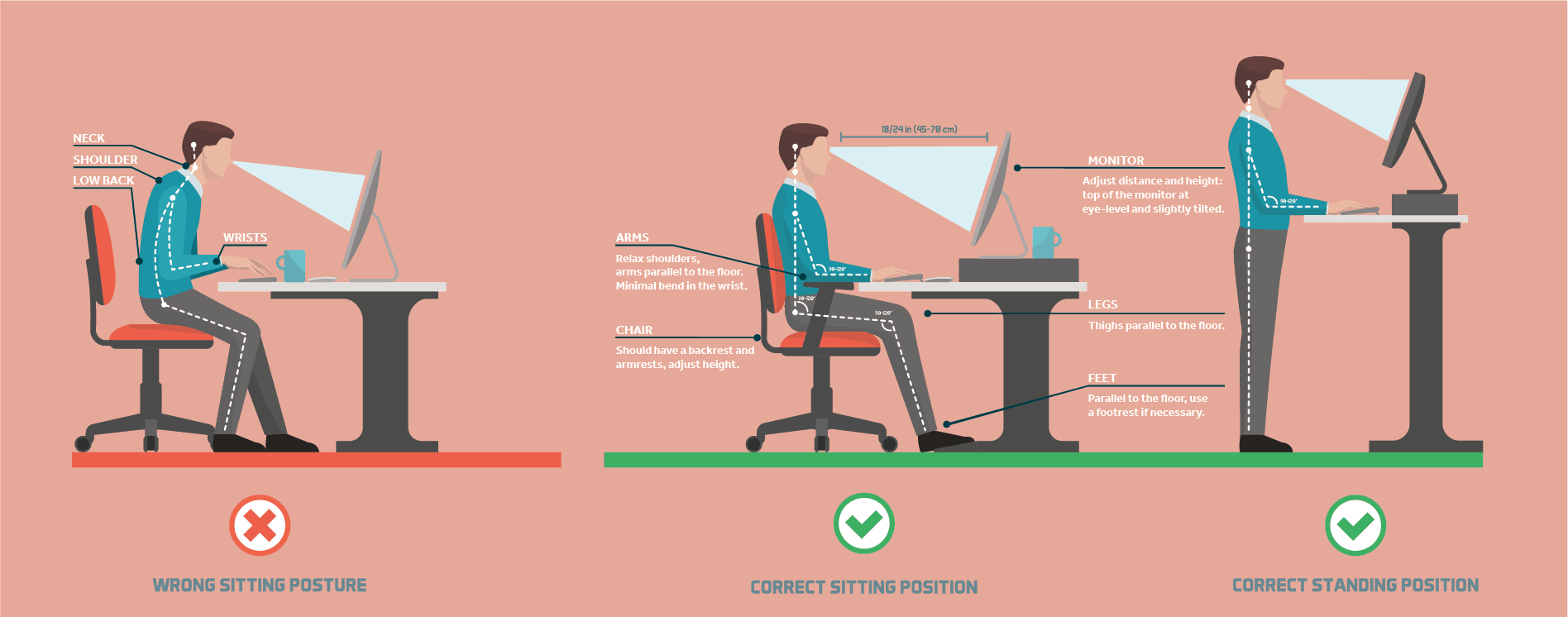
It’s recommended to keep the neck stacked and aligned with the spine—no leaning forward or craning upward. Monitors should be positioned so the top of the screen meets eye level, with a viewing distance of about a straight arm’s length.
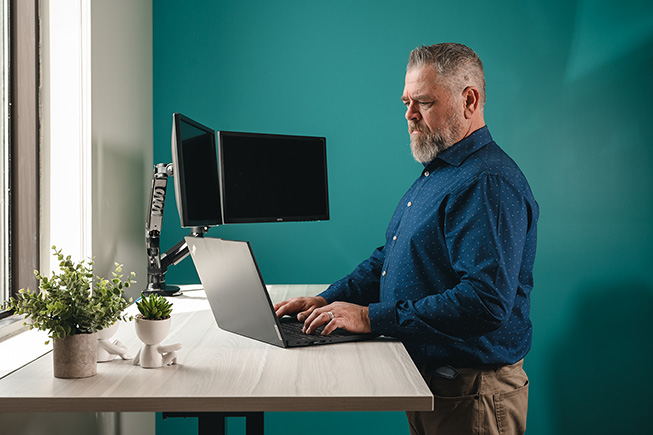
Standard monitor stands can sometimes leave screens too low, but adjustable monitor arms give employees the freedom to find the perfect height and angle, keeping their eyes and neck happy.
Keep in mind that screens should also be sized and positioned so workers can scan the whole display with just their eyes, not their necks.
For employees working primarily on laptops, adding an external display can prevent hunching and help maintain a neutral, comfortable posture throughout the day.
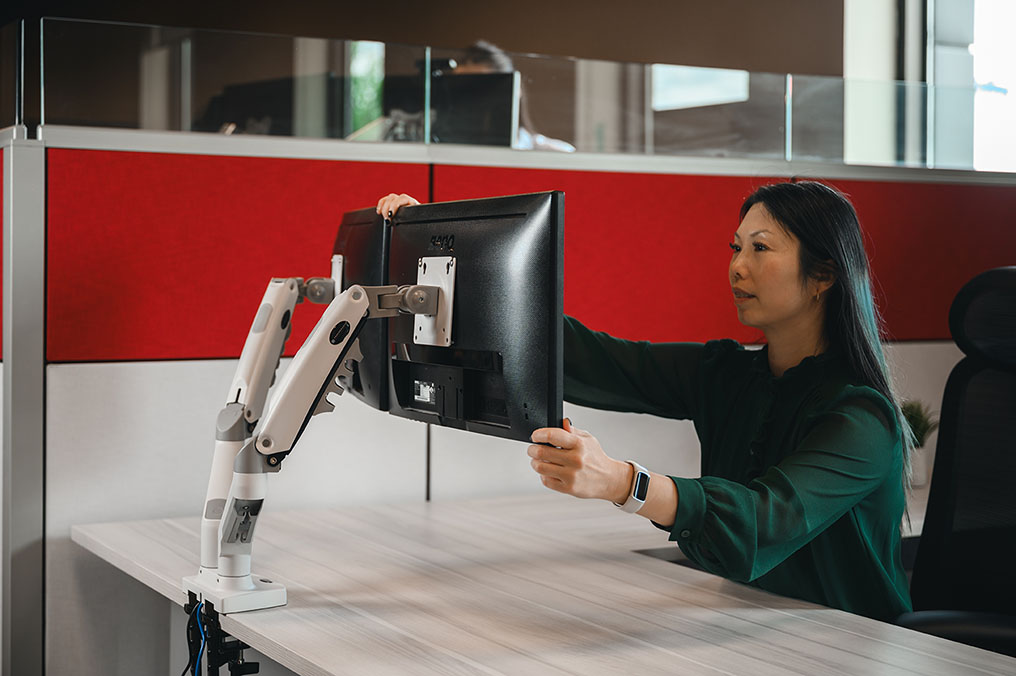
According to the guidelines, upper arms should hang naturally at the sides, with elbows bent at approximately 90° and forearms parallel to the floor. Wrists should remain neutral, aligned with the direction of the forearms to minimize strain.
Depending on the employee, placing the keyboard directly on the desk may position it too high. Using a keyboard tray mounted to the underside of a desk can help. Keyboard trays with height and tilt adjustments help maintain proper wrist and arm alignment while supporting personalized comfort.
Alternatively, pairing a height-adjustable desk with a monitor arm lets employees set keyboard and monitor heights independently from each other.
Feet and LegsWorkstations should encourage employees to keep their feet flat on the floor or on a footrest, while maintaining a comfortable 90°–110° angle between the thighs and hips..
Of course, proper leg and foot positioning depends heavily on the office chair, making adjustable, supportive seating a key component of any ergonomic workstation.
2) Office Chairs That Work for Everyone
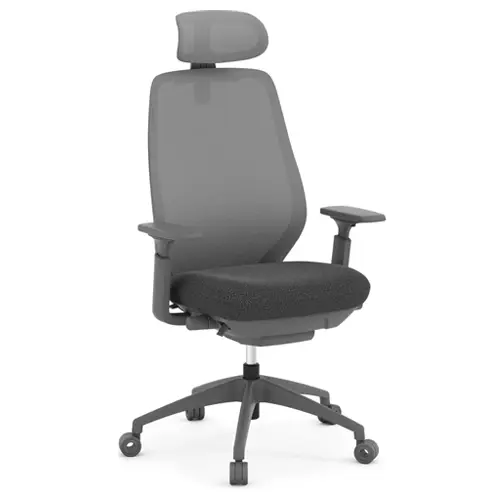
The secret to a great office chair? Adjustability. No two employees are the same, and a chair should be able to adapt to fit the person, not the other way around. When height, tilt, and support can be set to the individual, it becomes much easier to maintain healthy posture and stay comfortable throughout the day.
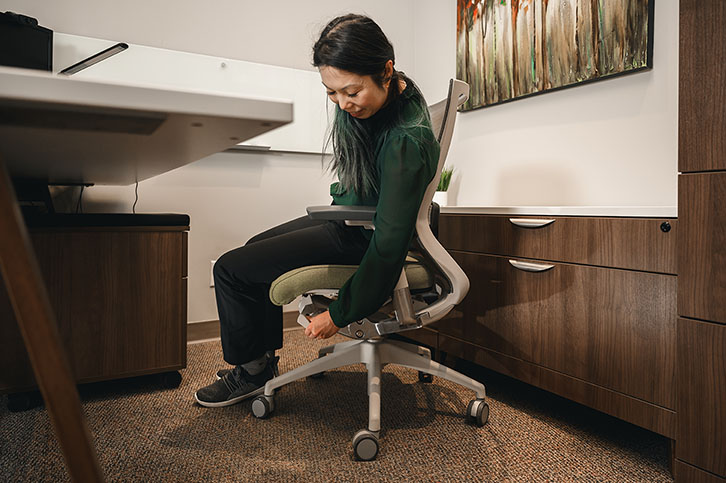
We recommend choosing chairs that are easy to adjust, so employees can fine-tune their setup without turning it into a complicated process. A few key features make all the difference:
- Lumbar support that follows the natural curve of the lower back, helping employees sit upright without effort.
- A stable, supportive base, ideally with five points of contact, along with breathable materials and a seat edge that won’t put pressure on the legs.
- Height adjustability so employees can position their feet flat on the floor and maintain proper alignment at the hips and knees.
- Adjustable armrests that support the forearms comfortably but can move out of the way when needed, so employees can sit close to their work without awkward reaching.
That’s where ergonomic office chairs come in. Ergonomic chairs are highly adjustable, featuring settings for height, tilt, seat position, armrests, headrests, and more. These customizable features can comfortably support a wide range of people, helping everyone sit better, work better, and feel better at the end of the day.
3) Desk Arrangement Makes Perfect
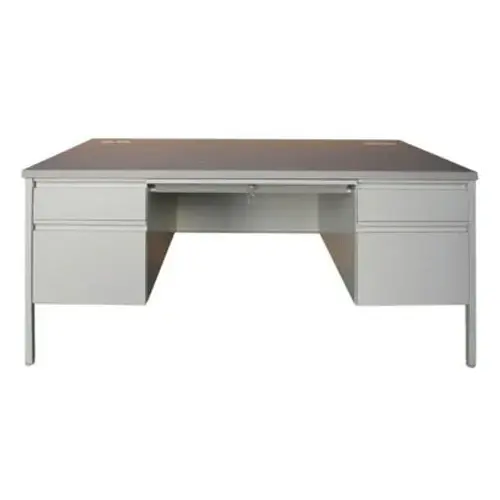
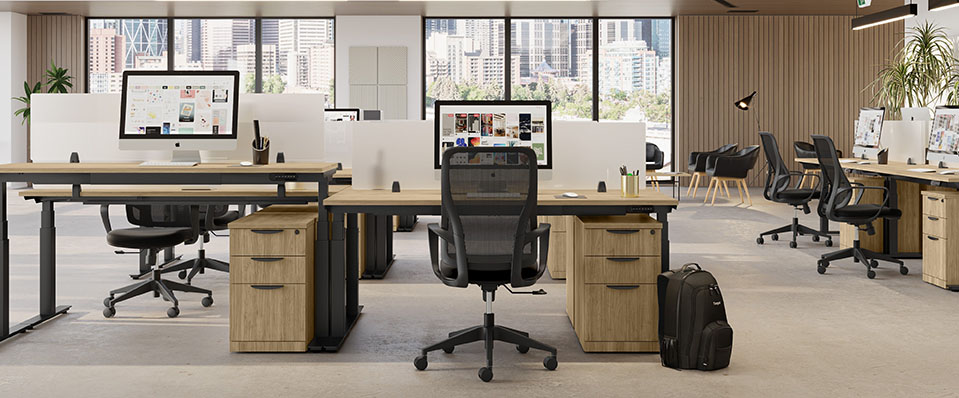
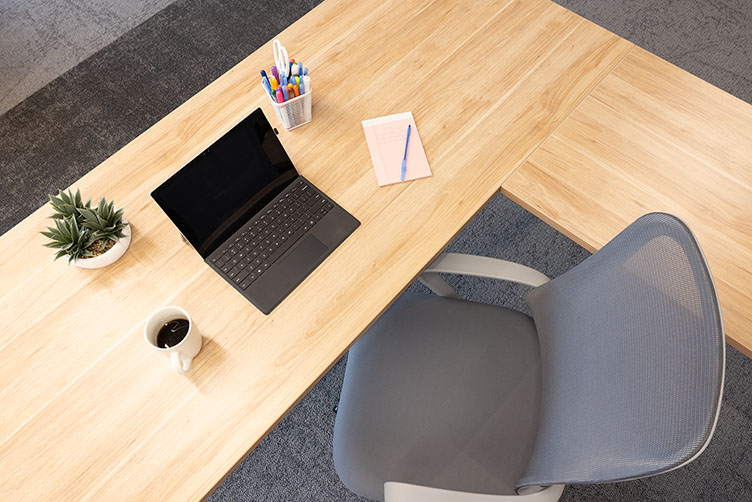
A well-organized workstation keeps everything employees need within easy reach—no stretching, twisting, or awkward reaching required. As a general rule, if something is used often, it should live close by. If employees have to reach for it constantly, it’s probably too far away.
Provincial guidelines recommend organizing the desk into simple zones:
- Primary work zone (within 30 cm): This is where frequently-used items like the keyboard, mouse, phone, and notebooks should live. These tools should be easy to access while keeping arms relaxed and close to the body.
- Secondary work zone (30–50 cm): Items used less often—like reference materials, accessories, or personal items—can be placed slightly farther away without disrupting posture.
This kind of setup helps employees stay in a neutral, comfortable position throughout the day, reducing unnecessary strain and making the workstation feel effortless to use.
Remember – If you reach for it often, you shouldn’t have to reach for it.
4) Reduce Glare, Improve Focus
Lighting has a bigger impact on posture and comfort than most people realize. When screens are hard to see due to glare or poor lighting, employees naturally start leaning forward, tilting their heads, or shifting in their chairs to compensate. Over time, those small adjustments can lead to unnecessary strain. Reducing glare isn’t just about visibility; it helps maintain neutral posture and supports sustained focus throughout the day.
Positioning:It’s recommended to place monitors parallel to windows to reduce direct light and reflections. Avoid placing screens directly in front of or behind windows, and use blinds or shades to manage natural light as needed.
If you’re not sure how to achieve this layout in your office, Source offers free* space planning services to help you position your furniture strategically. We take factors like window placement and existing light sources into account to help reduce glare and support a more comfortable workstation setup for your team.
*some restrictions apply.
Selecting matte (non-reflective) finishes for desks, furniture, and nearby walls helps limit reflected glare and improve overall visual comfort.
Task Lighting:Providing adjustable desk lamps allows employees to control lighting for reading and detailed tasks. Lamps should illuminate the work surface without shining directly into the eyes or onto the monitor.
Screen Controls:Adjust monitor brightness and contrast so the display matches the surrounding lighting. Light backgrounds with dark text are generally easier to read and can reduce visual fatigue.
When lighting is thoughtfully planned, employees don’t have to compensate with awkward posture just to see their work. It’s a simple adjustment that can make a noticeable difference in comfort and productivity.
5) Keep It Moving
An ergonomic setup is essential, but it’s only part of the equation. The way work is organized throughout the day plays just as important a role in employee comfort, focus, and long-term health. Employers who actively encourage healthy work habits help reduce strain, improve productivity, and reinforce a culture that values wellbeing.

To set your employees up for success, the guidelines recommend:
Encourage Breaks and Micro-PausesEven with a well-designed workstation, staying in one position for too long leads to muscle fatigue. Encourage employees to take frequent micro-pauses (short breaks lasting 20 seconds to 2 minutes) throughout the day. Standing, stretching, or simply stepping away from the screen can help relieve muscle tension and reduce the risk of discomfort. Small resets add up.
Promote Movement and ExerciseProlonged computer work often tightens the neck, shoulders, chest, and lower back. Supporting regular stretching and physical activity, both during and outside of work hours, can help offset these effects.
Simple workplace stretches for the neck, back, and chest can be incorporated into the day, and leadership participation can normalize movement as part of a healthy routine.
Bringing It All Together
Creating a safety-aligned office doesn’t have to be complicated. When posture, furniture, lighting, layout, and daily work habits are considered together, the result is a safer, more comfortable, and more productive workplace.
The goal isn’t just compliance; it’s about prevention. By taking a proactive approach to ergonomics, employers can reduce the risk of musculoskeletal injuries, minimize claims, and support their teams in doing their best work every day.
If you’re ready to create a workspace that supports both your people and your operations, our team is here to help. From selecting the right ergonomic seating to planning workstation layouts that align with provincial workplace recommendations, we’ll guide you through every step. Contact us today!