






















AI Blog Test - Lovable
How to Choose the Right Office Chair: Buying Guide & Tips
If you spend most of your workday sitting (for many people, that's seven to eight hours or more), your office chair plays a larger role in your comfort, posture, and productivity than any other piece of furniture. The wrong chair can lead to back pain, stiff shoulders, poor circulation, and long-term strain. On the other hand, the right office chair supports your body, adapts to your work style, and helps you stay focused throughout the day.
This buying guide explains how to choose an office chair that fits your body, workspace, and daily habits. We'll break down essential ergonomic features, materials, adjustability, and use-case considerations, so you can confidently choose an office chair that delivers both comfort and long-term value. Whether you're furnishing a home office, upgrading employee workstations, or selecting chairs for executive or meeting spaces, this guide will help you make an informed chair-buying decision.
{/* Section: Essential Ergonomic Features */}Essential Ergonomic Features to Look For in an Office Chair
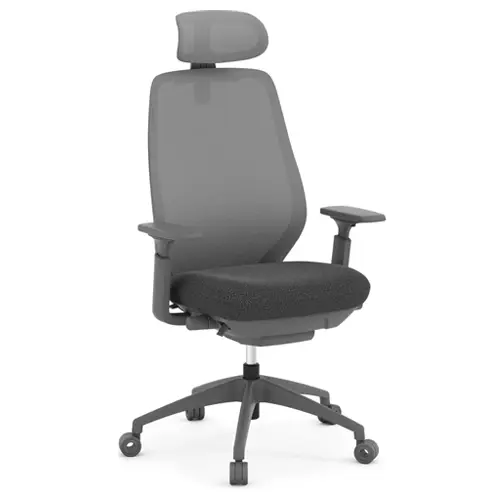
When evaluating an office chair, ergonomics should always be a top priority. An ergonomic office chair is designed to support natural posture, reduce strain, and adapt to your body's movements throughout the day. Key features to prioritize include:
Seat height & adjustability
Proper seat height is critical. A height-adjustable chair allows your feet to rest flat on the floor, with knees bent at roughly 90 degrees and your thighs parallel to the ground. This position promotes healthy circulation and reduces pressure on your lower back and legs. Because desk heights and body proportions vary, adjustability is essential.
Seat depth & width
The seat should be deep and wide enough to support your thighs without pressing into the backs of your knees. Ideally, there should be about two to three fingers' worth of space between the seat edge and the back of your knees. Too much depth can restrict circulation, while too little can leave your legs unsupported.
Lumbar support & backrest design
Natural spinal alignment depends heavily on proper lumbar support. Look for a chair with built-in or adjustable lumbar support that follows the inward curve of your lower back. Adjustable lumbar features are especially valuable, as they allow users of different heights and body types to fine-tune support where it's needed most.
Backrest angle, tilt & recline
Sitting in a fixed upright position all day can increase spinal pressure. Chairs with tilt and recline functions encourage subtle movement, which helps reduce fatigue and supports better posture over time. Tension controls let you customize how the chair reclines, while lockable positions offer stability when needed.
Together, these ergonomic elements form the foundation of a chair that supports comfort, health, and productivity throughout the workday.
Office Chair Fit, Materials & Extras
Beyond core ergonomics, several additional features influence how well an office chair performs in real-world use.
Armrests
Armrests reduce strain on the shoulders, neck, and upper back by supporting the arms during typing and resting. Adjustable armrests, which should be height-adjustable at a minimum, are ideal, allowing you to align your arms with your desk surface. Some chairs also offer width or pivot adjustments, while removable armrests can be useful in tight workspaces.
Base, casters & swivel
Stability and mobility matter more than you may realize. A five-point base provides better balance and durability, while a 360-degree swivel allows easy movement without twisting your body. Casters should be matched to your flooring: soft casters for hard floors like hardwood or tile, and standard casters for carpeted surfaces.
Material & comfort
Chair materials affect both comfort and longevity. The best option depends on usage time, personal preference, and office climate. Two popular choices:
- Mesh chairs are breathable and help regulate temperature, making them a popular choice for long sitting sessions and warmer environments.
- Cushioned or upholstered chairs often feel plusher and can be more comfortable for shorter sitting periods or executive spaces.
Adjustability & customization
No two bodies are exactly alike, which is why adjustability is so important. Chairs with multiple adjustment points, such as seat height, lumbar support, tilt tension, and armrests, offer a better chance of achieving a personalized, ergonomic fit. This is especially valuable in shared work environments.
Budget vs. long-term value
While it may be tempting to choose the least expensive option, budget chairs often sacrifice adjustability, durability, or ergonomic support. Investing in a higher-quality office chair can reduce discomfort, improve productivity, and lower replacement costs over time. Choosing the right office chair from the beginning can be a smarter long-term decision that saves you money in the long run.
Office Chairs by Use Case
Different spaces call for different types of chairs. Below are common office environments and the key considerations for each.
{/* Reception Areas */}Office Chairs for Reception Areas
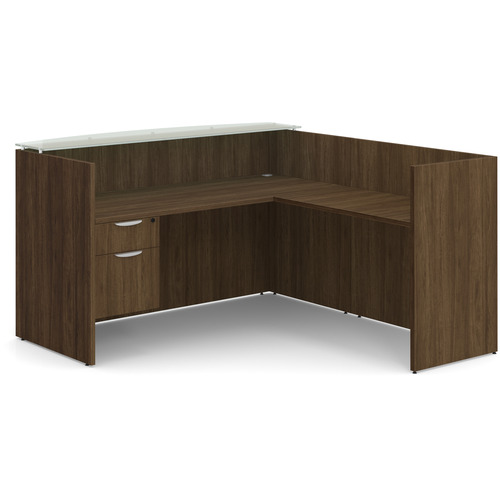
Reception chairs create the first impression of your workplace. They should balance style, durability, and comfort for short-term seating.
Key considerations:
- Clean, professional design
- Easy-to-maintain materials
- Comfortable cushioning for guests
Recommended chair types:
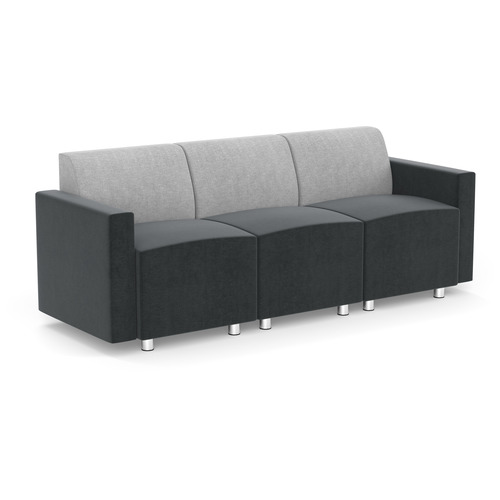
Visitor chairs, sled-base chairs, or cushioned reception seating that complements your brand aesthetic.
{/* Lunchrooms */}Office Chairs for Employee Lunchrooms
Lunchroom seating prioritizes durability and ease of cleaning over advanced ergonomics, as chairs are used intermittently. Stackable or plastic chairs may be sufficient.
Key considerations:
- Stackable or lightweight designs
- Easy-to-clean surfaces
- Cost-effective durability
Recommended chair types:
Stackable chairs, simple task chairs, or lunchroom chairs are specifically designed for this purpose.
{/* Employee Workspaces */}Office Chairs for Employee Work Spaces
Employee workstations demand ergonomic support for extended daily use. Comfort, adjustability, and durability are critical.
Key considerations:
- Adjustable seat height, lumbar support, and tilt
- Breathable materials for long sitting sessions
- Compatibility with desk height and workstation layout
Recommended chair types:
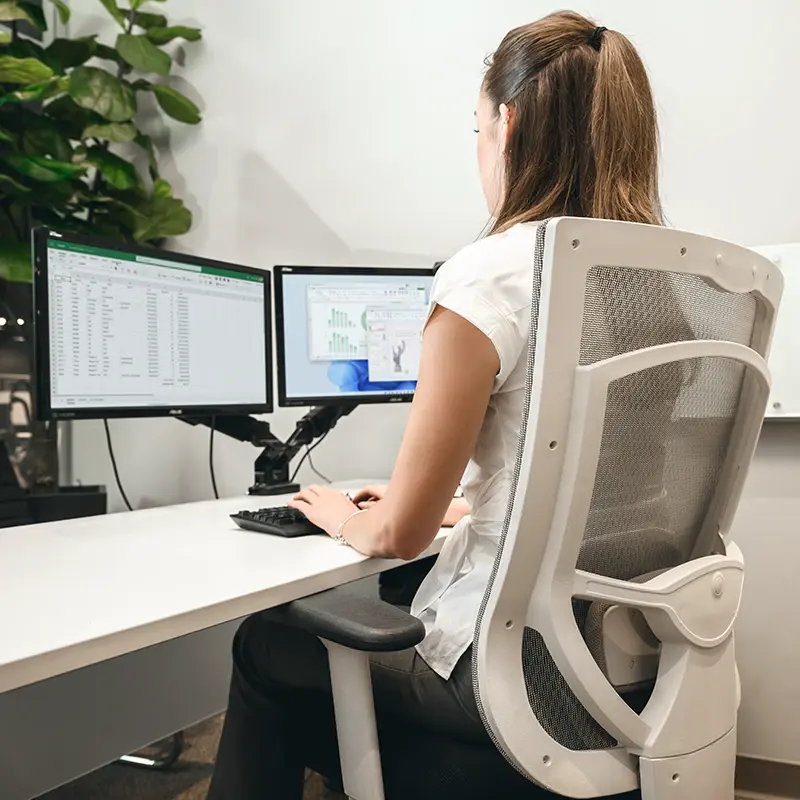
Ergonomic chairs that are designed for all-day use.
{/* Executive Offices */}Office Chairs for Executive Offices
Executive chairs combine comfort, presence, and functionality. While aesthetics matter, ergonomic support should never be overlooked.
Key considerations:
- Enhanced cushioning and back support
- High-quality materials such as leather or premium upholstery
- Professional, authoritative design
Recommended chair types:
High-back executive chairs with ergonomic features and refined finishes.
{/* Boardrooms */}Office Chairs for Boardrooms or Meeting Rooms
Meeting room chairs should be comfortable enough for extended discussions while maintaining a cohesive, professional look.
Key considerations:
- Consistent style across the room
- Moderate ergonomic support
- Smooth mobility and swivel
Recommended chair types:
Conference chairs with clean lines, padded seating, and subtle ergonomic support.
Office Chair Buying FAQs
What is the correct seat height for an office chair?
The correct seat height allows your feet to rest flat on the floor, with knees bent at about a 90-degree angle and thighs parallel to the ground. Most users fall within a range of approximately 16–21 inches from the floor.
Do I need adjustable lumbar support?
Yes, especially if you sit for long periods. Adjustable lumbar support helps maintain the natural curve of your lower back and reduces strain.
Should I choose a mesh or cushioned office chair?
Mesh chairs offer better airflow and temperature control, while cushioned chairs provide a softer feel. The best choice depends on comfort preference, sitting duration, and office environment.
Is seat depth important?
Absolutely. Proper seat depth ensures thigh support without restricting circulation behind the knees, improving comfort over long periods.
Are armrests necessary on an office chair?
Armrests are not mandatory, but adjustable armrests can significantly reduce shoulder and neck strain when properly aligned with your desk.
Invest in Comfort, Productivity and Your Long-Term Health
Choosing the right office chair is an investment in comfort, posture, and overall well-being. A well-designed ergonomic chair supports your body throughout the workday, encourages healthy movement, and helps prevent long-term discomfort.
Whenever possible, test chairs in person and explore their adjustment options to find the best fit for your body and workspace. Pay attention to how the chair supports your lower back, legs, and arms, and remember that adjustability is key.
Ready to find the right fit? Browse Source Office Furniture's selection of ergonomic office chairs, task chairs, and executive seating to discover options designed for comfort, durability, and performance, so you can work better, every day.